Microsoft Outlook Training Courses
Essential Microsoft Outlook Training Course Information.svg/250px-Microsoft_Outlook_Icon_(2025%E2%80%93present).svg.png) Instructor-Led Microsoft 365 Training
Instructor-Led Microsoft 365 Training
Microsoft Outlook
Training with an expert
Hands-on, instructor-led Outlook courses: delivered at our training venues or at your premises, building the practical skills your team needs to manage email, calendars and tasks effectively.
19+ yearsTraining experience
1-day coursePublic or onsite
UK-wideYour premises or our venues
.svg/250px-Microsoft_Office_Excel_(2025%E2%80%93present).svg.png) Budget.xlsx attached
Budget.xlsx attachedSome of our clients















Get more done with Microsoft Outlook
This one-day instructor-led course develops the practical skills needed to use Microsoft Outlook effectively. Attendees become confident using Outlook shortcuts, customising Outlook, managing message options, mastering the calendar, using search options, creating templates and groups, and converting emails into tasks.
- Public courses at our venues across the UK
- Onsite courses delivered at your premises
- Free post-course telephone & email support
Use message options, rules and Quick Steps to manage your inbox.
.svg/250px-Microsoft_Office_Teams_(2025%E2%80%93present).svg.png)
Meetings
Send meeting requests, track responses and share calendars.
.svg/120px-Microsoft_Office_Word_(2025%E2%80%93present).svg.png)
Templates
Save time with email templates and Quick Parts.
Tasks
Convert emails into tasks and apply time management principles.
Courses & Fees
One-day Microsoft Outlook course
Join a public course at one of our venues in Preston, Liverpool, Manchester, Leeds or London, or book a standard course delivered at your premises. We also deliver remote half-day courses on time-saving skills such as linking to your calendar, setting up groups and managing tasks.
Public course
Outlook Classroom
£195 + VAT
1 day · per delegate
- Ideal for individuals
- Held at our training venues
- Hands-on, instructor-led
At your premises
Standard Onsite
£545 + VAT
1 day onsite · up to 4 attendees
Additional attendees £35 + VAT each
Additional attendees £35 + VAT each
- Instructor-led Outlook training (non-tailored)
- Printed reference materials for each attendee
- Trainer travel included
*Public course prices are per delegate. Onsite prices are per course for up to 4 attendees, plus £35 + VAT for each additional attendee. Onsite courses are perfect for small teams who want a focused, hands-on course on the key Outlook skills used in the workplace. See our volume discounts.
More than just a training day
Practical Content
Focused on the key Outlook skills used in the workplace
Expert Trainers
Instructor-led, at the pace of your attendees
Reference Materials
Handouts and supporting materials for every attendee
Certificates
Course completion certificate for each attendee
Free Aftercare
Post-course telephone & email support
Course outline
What the course covers
Designed for anyone who wants to use Microsoft Outlook more effectively at work. Attendees should have a basic knowledge of Microsoft 365 and be able to use a keyboard.
Module 1
Getting Started
- An introduction to Microsoft Outlook
- Customising Outlook
- Outlook keyboard shortcuts
Module 2
Email Message Options
- Read and delivery receipts
- Blind copies
- Saving sent items to an alternative folder
- Delay delivery and direct replies
- Recalling emails
Module 3
Emails & Contacts
- Managing emails and contacts
- Contact groups
- Search options
Module 4
Calendar & Meetings
- Managing appointments and events
- Managing meetings (requests and responses)
- Using the calendar, including permissions, delegate access and categories
Module 5
Working Faster
- Templates, Quick Parts and Quick Steps
- Creating rules
- Voting buttons
Module 6
Tasks & Time Management
- Managing tasks
- Converting emails to tasks
- Applying time management principles
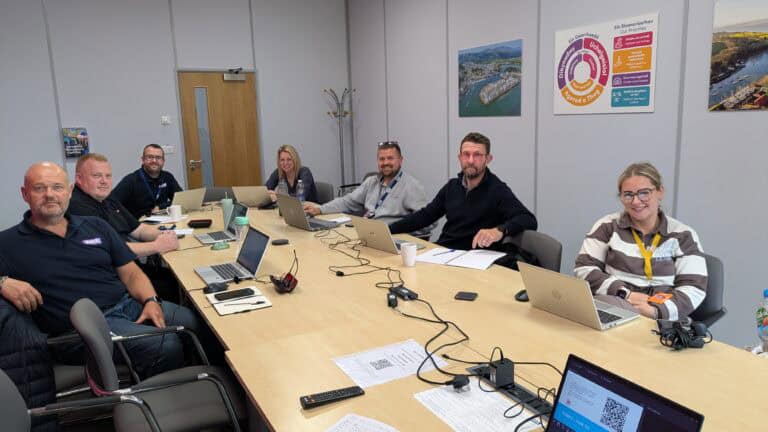
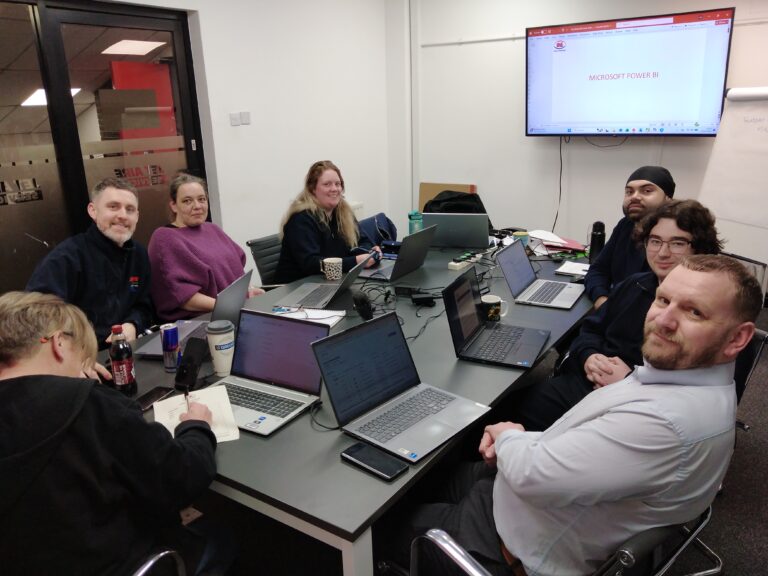
Recent Microsoft courses
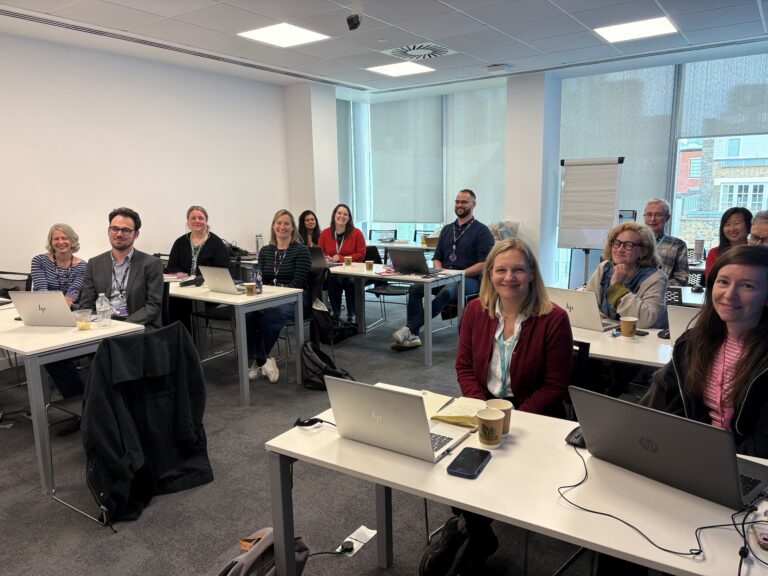
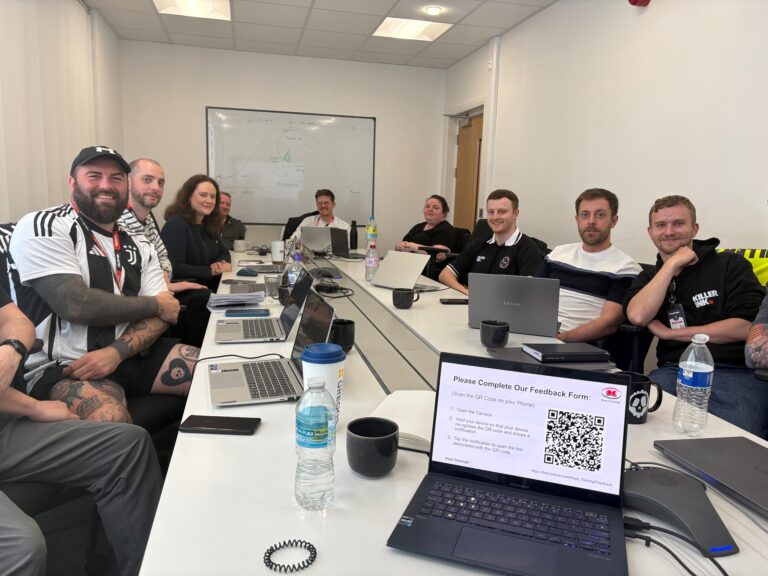
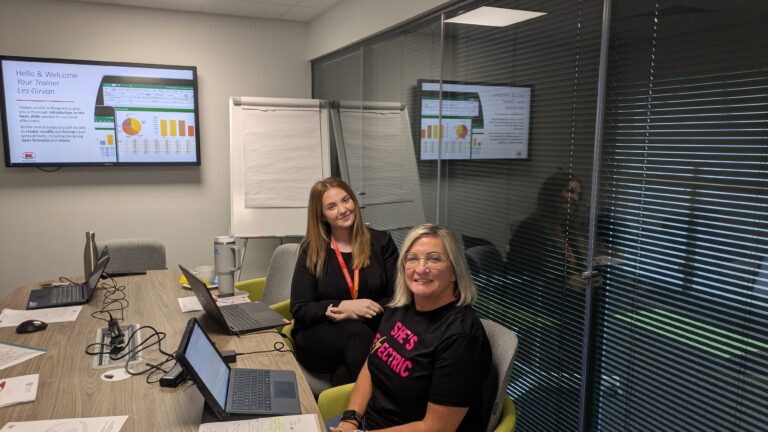


Inclusive by design
Training created for every kind of brain
Technical training moves quickly – new ribbons, new features, new ways of working. That is exactly why every Keys Training Microsoft course is built for different types of learners, including neurodivergent attendees and people with disabilities, so nobody is left behind at the keyboard.
Whether someone has dyslexia, ADHD, autism, a hearing or visual impairment, or simply learns best by doing rather than watching, our trainers adapt the pace, the screen and the exercises to the people in the room – on-site or remote.
Every course has been assessed by accessibility experts to make sure it is accessible and beneficial for all.
01
Hands-on, not lecture
Everyone works on their own machine, step by step. Skills are built by doing Outlook tasks, not by trying to remember a demo.
02
Screen-friendly delivery
Zoomed-in demonstrations, high-contrast views and live captions on remote sessions, so every click is easy to follow.
03
Paced to the room
Small groups with regular catch-up points – the trainer does not move on until every screen matches theirs.
04
Guides that work afterwards
Plain-language step guides and practice files, available in alternative formats on request, so people can revisit at their own speed.
Good to know
Frequently asked questions
What will my team learn in a Microsoft Outlook training course?
Your team will learn to customise Outlook, use keyboard shortcuts and message options, manage emails, contacts and contact groups, and use the calendar for appointments, events and meetings, including permissions and delegate access. The course also covers templates, Quick Parts, Quick Steps, rules, voting buttons, search options, converting emails to tasks and applying time management principles.
Can you deliver Outlook training at our office?
Yes. A standard onsite Outlook course is £545 + VAT for up to 4 people, with additional attendees at £35 + VAT each. Printed reference materials and trainer travel are included. Individuals can also join a public course at one of our venues.
Do I need any experience before attending?
You should have a basic knowledge of Microsoft Word and be able to use a keyboard. No previous Outlook training is needed.
Ready to get your team working smarter with Outlook?
View upcoming scheduled dates, or speak with a training advisor to arrange an Outlook course for your team.
Or call us on 0345 450 0051 to speak with one of the team today.