Microsoft SharePoint Training Courses
Find information about our Microsoft SharePoint training courses below Instructor-Led SharePoint Training
Microsoft SharePoint
Training with an expert
Training with an expert
Hands-on, instructor-led SharePoint courses for every level – from first steps to admin-level skills. Delivered at your premises or remotely via Microsoft Teams, tailored to how your team stores, shares and works on documents.
20+ yearsTraining experience
3 levelsIntroduction to advanced
UK-wideOn-site or remote
Some of our clients





Securely organise and share your team’s documents
Microsoft SharePoint is the collaboration tool within Microsoft 365 that helps a team securely organise and share documents. Keys Training® offers different levels of SharePoint training to suit your needs, whether you’ve never used SharePoint before or you’re looking to improve your knowledge and admin-level skills.
Our trainers deliver one-day courses at your premises or remotely via Microsoft Teams. Use our typical outlines as they are, or we’ll customise any course to focus on the topics that best meet your needs.
- Onsite or remote, typically up to 6 people
- Printed reference materials for each attendee
- Trainer travel is included
Introduction
For people who have never used SharePoint – sites, files, libraries, views and sharing.
Intermediate (Admin Level)
For site owners: permissions & security, libraries & lists, site customisation and navigation.
Advanced Topics
For experienced users who want to take their SharePoint skills further.
Customised Course
Pick the topics that matter to your team and we’ll build the day around them.
Courses & Fees
One-day SharePoint courses
Our trainers deliver one-day courses onsite at your premises or remotely via Microsoft Teams. Each fee covers up to 6 attendees, additional attendees £35 + VAT per person.
Most popular
Level 1
Introduction
£675 + VAT
One-day onsite or remote · up to 6 people
- For people new to SharePoint
- Sites, files, libraries & views
- Sharing & permissions basics
Level 2
Intermediate (Admin Level)
£775 + VAT
One-day onsite or remote · up to 6 people
- For site owners & admins
- Permissions, security, libraries & lists
- Site customisation & navigation
Level 3
Advanced Topics
£895 + VAT
One-day onsite or remote · up to 6 people
- For experienced SharePoint users
- Topics agreed with you in advance
- Tailored to your team’s goals
Want a customised course?
Use either the Introduction or Intermediate outline as a basis for the day, then add or remove topics so the course meets your needs. Our daily fee normally includes reasonable course customisation.
*Fees cover up to 6 people attending. Additional attendees: £35 + VAT per person. Trainer travel and printed reference materials are included. See our volume discounts.
Course outlines
Choose the right level for your team
Our typical one-day outlines are below. We’re happy to customise any of these SharePoint courses to focus on the topics that best meet your needs.
1. SharePoint Introduction
- Understanding SharePoint & team sites
- Managing files & documents
- Libraries, views & search
- Sharing & permissions
- Site pages
2. SharePoint Intermediate (Admin Level)
- SharePoint for owners
- Permissions & security
- Documents, libraries & lists
- Site customisation
- Home page & navigation
3. SharePoint – Customised Course
- Choose topics from any level
- Add or remove topics to suit your team
- Focus on the challenges your team faces
Every course includes
More than just a training day
Tailored Content
Built around your team’s real workplace scenarios
Expert Trainers
Instructor-led, at the pace of your attendees
Reference Materials
Handouts and supporting materials for every attendee
Certificates
Course completion certificate for each attendee
Free Aftercare
Post-course telephone & email support
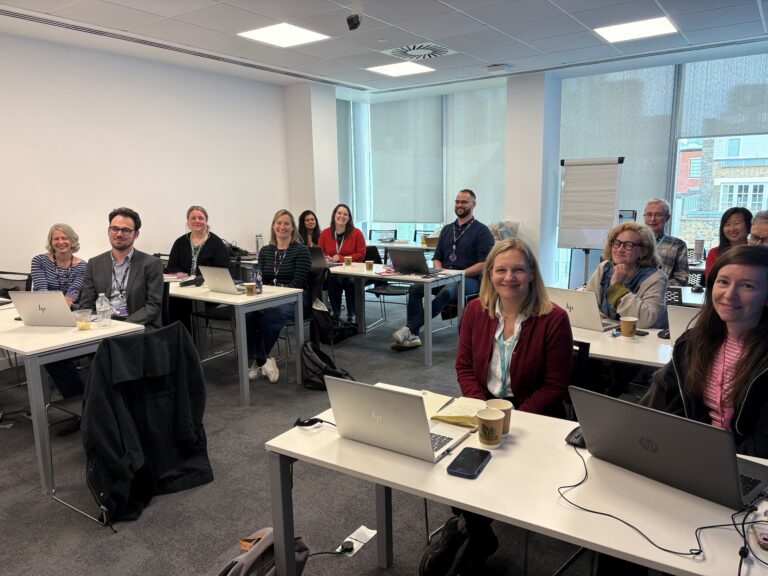
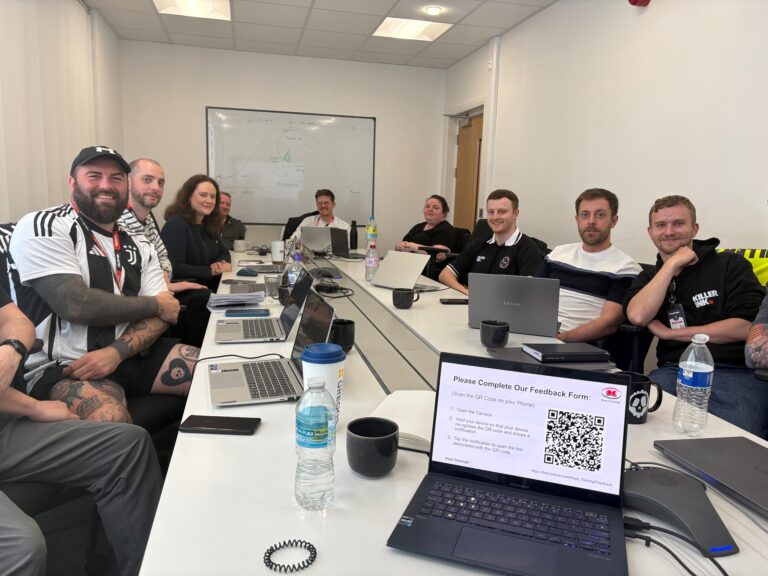
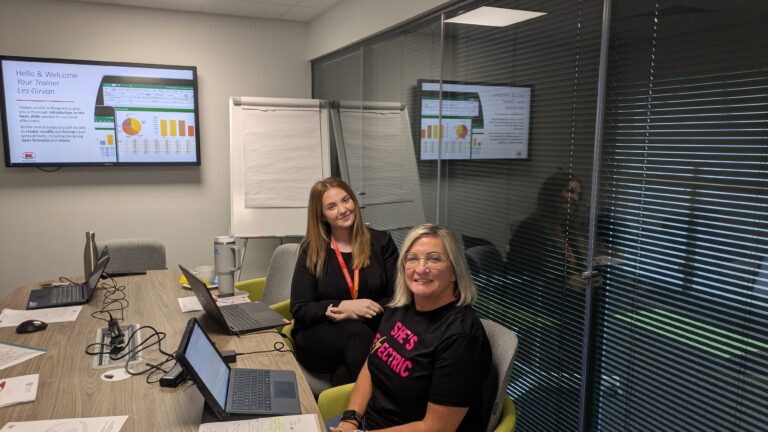
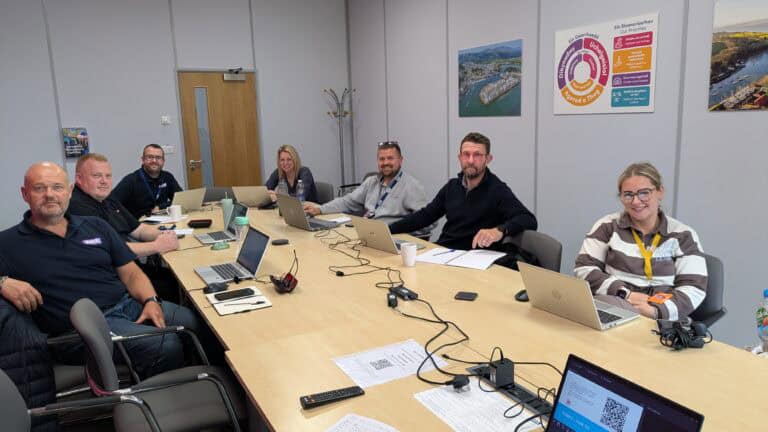
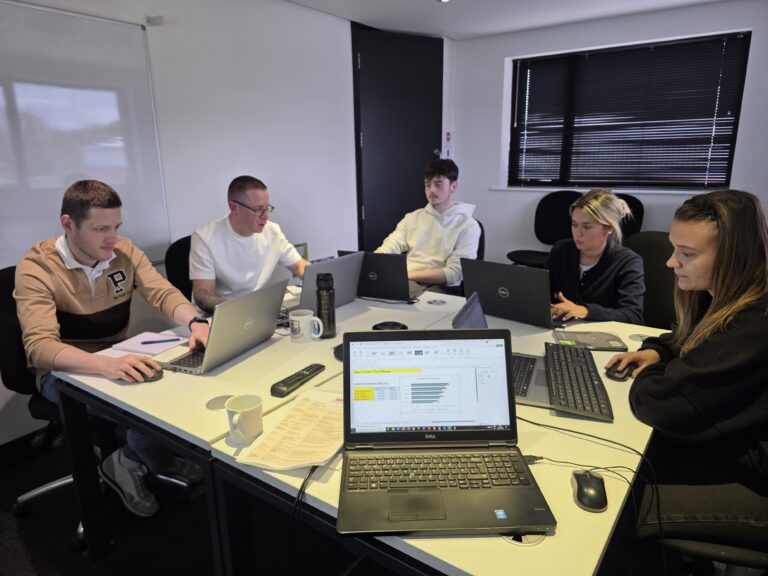
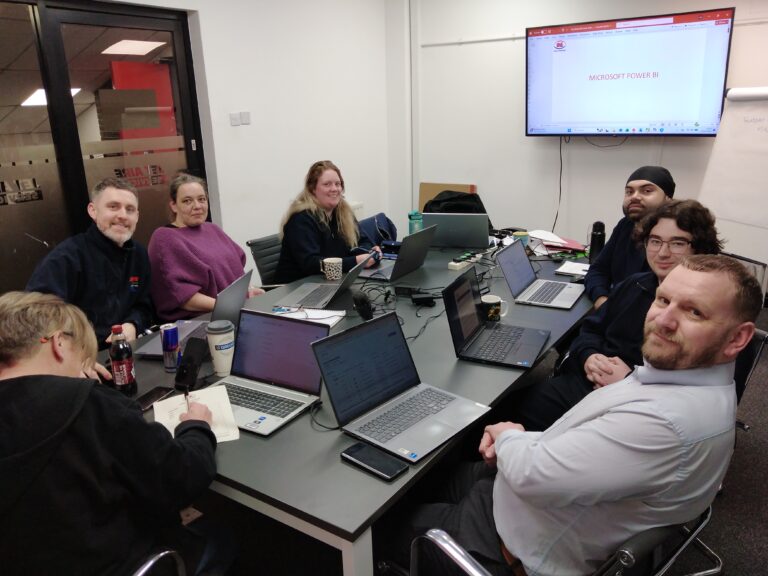
Recent Microsoft courses

Good to know
Frequently asked questions
Can we customise the course content to focus on the topics that will be most helpful for my team?
Yes. You can use either of the two outlines, Introduction or Intermediate (Admin Level), as a basis for the training day. Then you can add or remove topics so that the course better meets your needs. You can also select topics you would like our trainer to focus on during the day and address any challenges your team may encounter.
Does it cost any more to have our course customised?
Not normally. As part of our service, our daily fee includes reasonable course customisation for SharePoint training.
Is it cheaper for the course to be held at our premises or at a Keys Training venue?
Typically, it is more cost effective for our trainer to visit and train you at your premises. We have SharePoint trainers who live across the country, so there is normally a local SharePoint trainer close to where you would like the training.
Ready to get your team working together?
View upcoming scheduled dates, or speak with a training advisor to arrange a tailored SharePoint course for your team.
Or call us on 0345 450 0051 to speak with a training advisor today.