Microsoft Copilot Training
Find information about our Microsoft Copilot training courses below Instructor-Led AI Training
Microsoft Copilot
Training with an expert
Hands-on, instructor-led Copilot courses: delivered remotely or at your premises, tailored to the way your team actually works in Excel, Teams, Outlook and Word.
19+ yearsTraining experience
3 levelsBeginner → Advanced
UK-wideOn-site or remote

Some of our clients

















Put AI to work in the apps your team already uses
Microsoft Copilot is an AI-powered assistant built into Microsoft 365. Used well, it drafts documents, analyses data and summarises meetings in a fraction of the time, but most teams only scratch the surface.
Our trainers deliver practical, instructor-led Copilot courses from beginner through to advanced, and every course can be customised to focus on the tasks that matter most to your team.
- Free training needs analysis before your course
- Tailored with your real workplace scenarios
- Free post-course telephone & email support
.svg/250px-Microsoft_Office_Excel_(2025%E2%80%93present).svg.png)
Excel
Build formulas, clean messy data and generate charts with plain-English prompts.
.svg/250px-Microsoft_Office_Teams_(2025%E2%80%93present).svg.png)
Teams
Summarise long chat threads and meetings and catch up in minutes.
.svg/250px-Microsoft_Outlook_Icon_(2025%E2%80%93present).svg.png)
Outlook
Draft, shorten and polish emails so they’re concise and professional.
.svg/120px-Microsoft_Office_Word_(2025%E2%80%93present).svg.png)
Word
Brainstorm, draft and rewrite documents faster with AI assistance.
Courses & Fees
Half-day remote Copilot courses
Delivered live via Microsoft Teams by one of our trainers. Each fee covers up to 6 attendees, additional attendees £35 + VAT per person.
Level 1
Introduction
£445 + VAT
Half-day remote · up to 6 people
- Copilot fundamentals & setup
- Writing effective prompts
- Everyday tasks in 365 apps
Level 2
Intermediate
£475 + VAT
Half-day remote · up to 6 people
- Smarter prompting techniques
- Data analysis in Excel
- Summarising in Teams & Outlook
Level 3
Advanced
£495 + VAT
Half-day remote · up to 6 people
- Advanced workflows & automation
- Complex data insights
- Getting the most from Copilot
Prefer training at your premises?
Our trainers travel UK-wide to deliver one-day onsite Copilot courses – Beginners, Intermediate or Advanced – with printed reference materials for every attendee and trainer travel included.
from £875 + VAT · up to 6 people
additional attendees £35 + VAT
additional attendees £35 + VAT
*Prices are per course unless stated. Book 2 or more places on the same public course and receive significant discounts.
More than just a training day
Tailored Content
Built around your team’s real workplace scenarios
Expert Trainers
Instructor-led, at the pace of your attendees
Reference Materials
Handouts and supporting materials for every attendee
Certificates
Course completion certificate for each attendee
Free Aftercare
Post-course telephone & email support
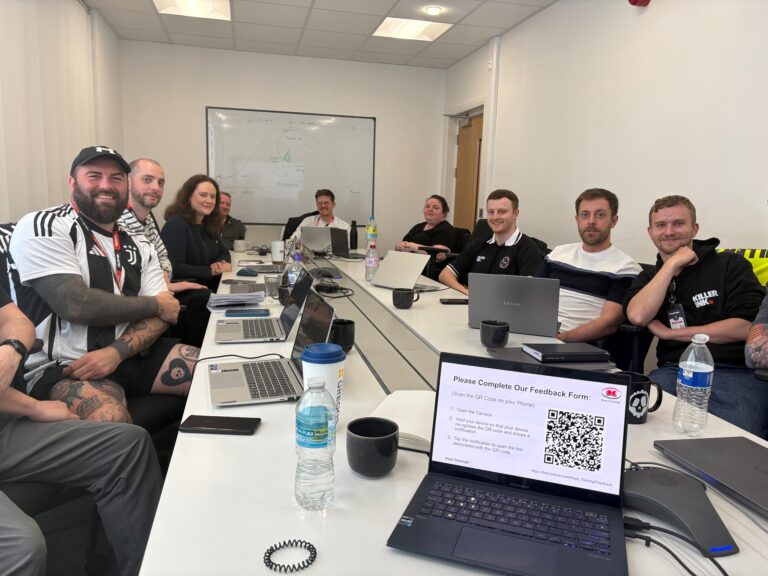
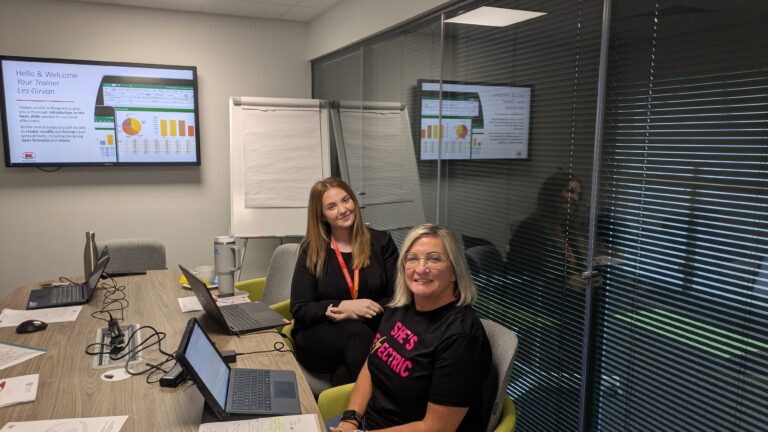
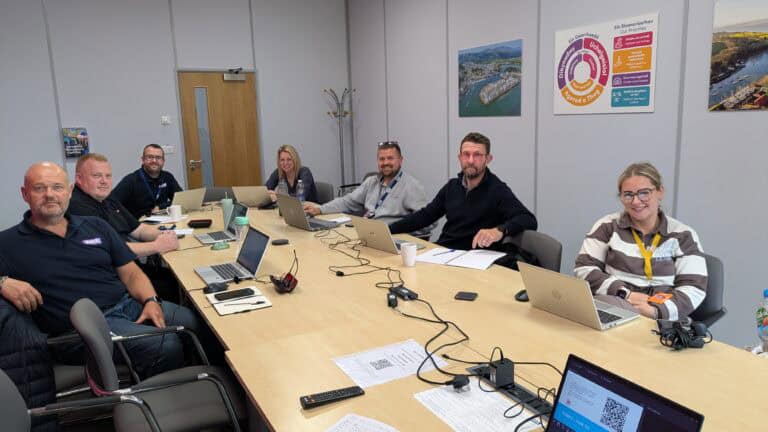
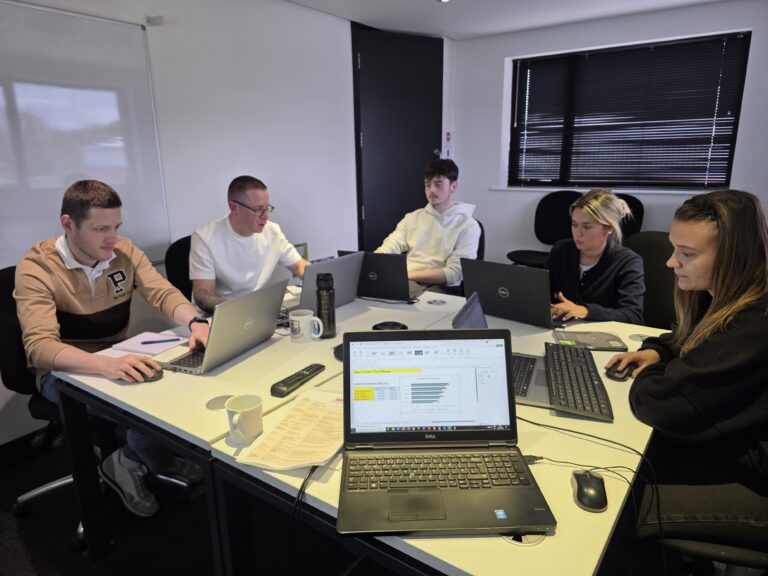
Recent Microsoft courses
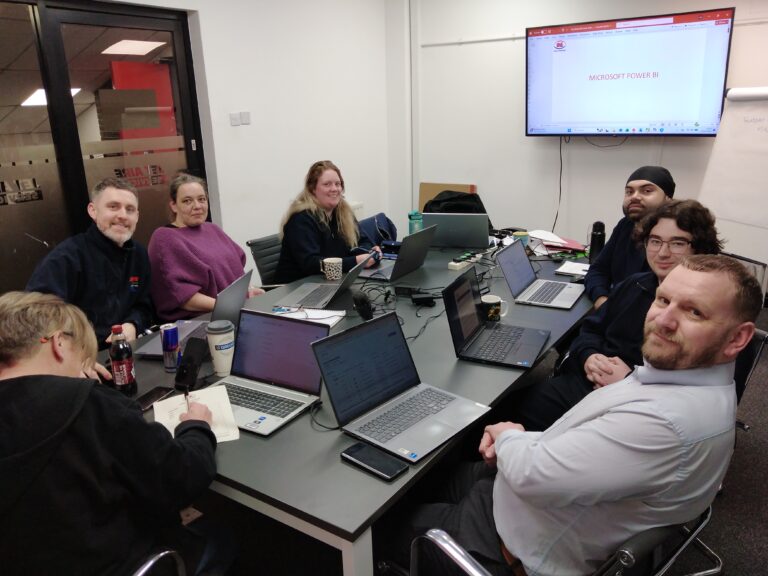

Inclusive by design
Training created for every kind of brain
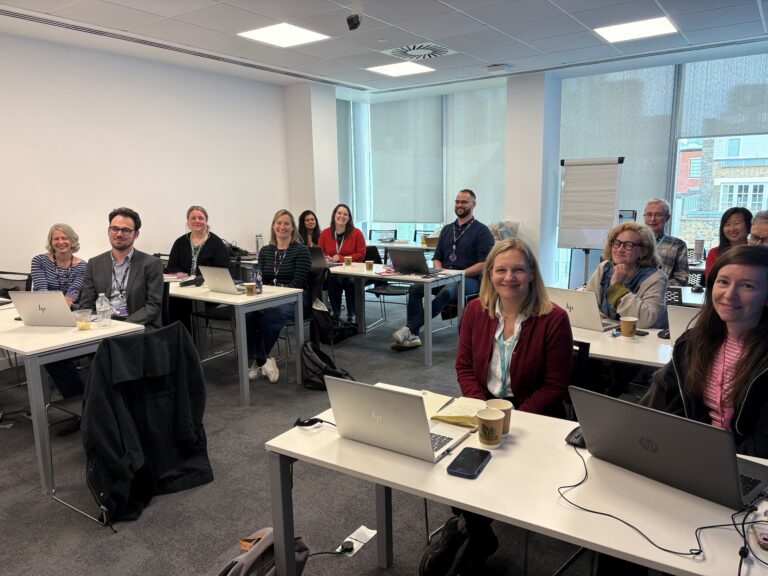
Technical training moves quickly – new ribbons, new prompts, new ways of working. That is exactly why every Keys Training Microsoft course is built for different types of learners, including neurodivergent attendees and people with disabilities, so nobody is left behind at the keyboard.
Whether someone has dyslexia, ADHD, autism, a hearing or visual impairment, or simply learns best by doing rather than watching, our trainers adapt the pace, the screen and the exercises to the people in the room – on-site or remote.
Every course has been assessed by accessibility experts to make sure it is accessible and beneficial for all.
01
Hands-on, not lecture
Everyone works on their own machine, step by step. Skills are built by doing Copilot tasks, not by trying to remember a demo.
02
Screen-friendly delivery
Zoomed-in demonstrations, high-contrast views and live captions on remote sessions, so every click is easy to follow.
03
Paced to the room
Small groups with regular catch-up points – the trainer does not move on until every screen matches theirs.
04
Guides that work afterwards
Plain-language step guides and practice files, available in alternative formats on request, so people can revisit at their own speed.
Good to know
Frequently asked questions
What will my team learn in a Microsoft Copilot training course?
Your team will master natural language prompting to automate routine tasks and work more efficiently. They will learn to analyse spreadsheets and create formulas in Excel, reduce and summarise long chat threads in Teams, and quickly transform emails to be concise and professional in Outlook.
Do we need a paid Microsoft 365 Copilot licence for the course?
Introduction course – no paid licence needed. The Introduction course uses the free version of Copilot (Copilot Chat) that everyone with a Microsoft 365 account already has access to, so your team can take part with no extra cost.
Intermediate and Advanced courses – a Microsoft 365 Copilot (premium) licence is needed. These courses work with Copilot inside Excel, Word, Outlook and Teams, which is only available with the paid add-on licence. If your team does not have licences yet, we can still run the course using trainer demonstrations and guided practice tasks, but attendees will get far more from it working hands-on with their own licence.
How does Copilot training help with Excel data analysis?
Our training helps users work with Copilot Chat and App Skills to write complex formulas, identify trend insights, clean up messy rows, and instantly generate charts and visuals through simple, conversational prompt commands.
Ready to get your team Copilot-confident?
View upcoming scheduled dates, or speak with a training advisor to arrange a tailored course for your team.
Or call us on 0845 402 2781 to speak with one of the team today.