Microsoft Word Training
Professional Microsoft Word training courses.svg/120px-Microsoft_Office_Word_(2025%E2%80%93present).svg.png) Instructor-Led Microsoft 365 Training
Instructor-Led Microsoft 365 Training
Microsoft Word
Training with an expert
Hands-on, instructor-led Word courses from beginner to advanced: delivered at our training venues or at your premises, and customised to include the topics your team needs.
19+ yearsTraining experience
1-day courses4 levels, public or onsite
UK-wideYour premises or our venues
Some of our clients













Use Microsoft Word to its full potential
Microsoft Word is an application that many users are familiar with, but may not be using to its full potential. Our one-day Microsoft Word training courses take you from the fundamentals of creating short letters to producing lengthy reports using advanced tools such as styles, cross-referencing and automated tables of contents.
We deliver Word training at every level, from beginners through to advanced and long document courses, and we are happy to customise any company Word course to include the topics that best meet your needs.
- Four levels, from Introduction to Reports & Long Documents
- Public courses at our venues, or onsite at your premises
- Free post-course telephone & email support
Documents
Create, edit and format letters and everyday documents.
Long documents
Use styles, cross-references and automated tables of contents.
.svg/250px-Microsoft_Office_Excel_(2025%E2%80%93present).svg.png)
Tables & data
Build tables and bring in data from Excel.
.svg/250px-Microsoft_Outlook_Icon_(2025%E2%80%93present).svg.png)
Mail merge
Produce form letters, labels and merged documents.
Courses & Fees
Microsoft Word courses at every level
Join a public course at one of our venues in Preston, Manchester, Liverpool, Leeds or London, or book a course delivered at your premises for up to 8 attendees. Every company course can be customised to include the topics that best meet your needs.
Level 1
Word Introduction
£195 + VAT
1 day · per delegate (public course)
- Onsite: £595 + VAT, up to 8 attendees
- Creating, navigating and formatting documents
- The Ribbon, tabs and Quick Access Toolbar
Level 2
Word Intermediate
£225 + VAT
1 day · per delegate (public course)
- Onsite: £645 + VAT, up to 8 attendees
- Tables, styles, sections and columns
- Headers, footers and templates
Level 3
Word Advanced
£245 + VAT
1 day · per delegate (public course)
- Onsite: £645 + VAT, up to 8 attendees
- Master documents, forms and mail merge
- Macros and document revisions
Specialist
Reports & Long Documents
£295 + VAT
1 day · per delegate (public course)
- Onsite: £675 + VAT, up to 8 attendees
- Outlines, footnotes and cross-references
- Indexes, tables of contents and master documents
*Public course prices are per delegate. Onsite prices are per course for up to 8 attendees. View scheduled course dates or see our volume discounts.
More than just a training day
Tailored Content
Customised to include the topics your team needs
Expert Trainers
Instructor-led, at the pace of your attendees
Reference Materials
Handouts and supporting materials for every attendee
Certificates
Course completion certificate for each attendee
Free Aftercare
Post-course telephone & email support
Course outlines
What the courses cover
From the fundamentals of creating short letters to producing lengthy reports, choose the level that matches your experience. Click a course above to view its full outline.
Level 1
Word Introduction
- Creating a document
- Navigating and working with your document
- Getting help in Word
- The Ribbon interface, tabs and groups
- The Quick Access Toolbar
- The Home, Insert, View, Page Layout, References and Mailings tabs
Level 2
Word Intermediate
- Review of Word basics
- Tables, including sorting, calculations and importing Excel data
- Creating a sheet of labels from a data table
- Styles and outlines
- Sections, columns, headers, footers and page numbering
- Numbering, bullets, templates and graphics
Level 3
Word Advanced
- Review of Word day-to-day features
- Large documents: master documents, footnotes, bookmarks, cross-references, tables of contents and indexes
- Creating and protecting forms
- Mail merge using Excel and Access data
- Recording, running and editing macros
- Document revisions and tracking changes
Specialist
Reports & Long Documents
- Review of Word day-to-day features
- Working in outline view
- Footnotes and endnotes
- Bookmarks and cross-references
- Indexes and tables of contents
- Master documents and templates
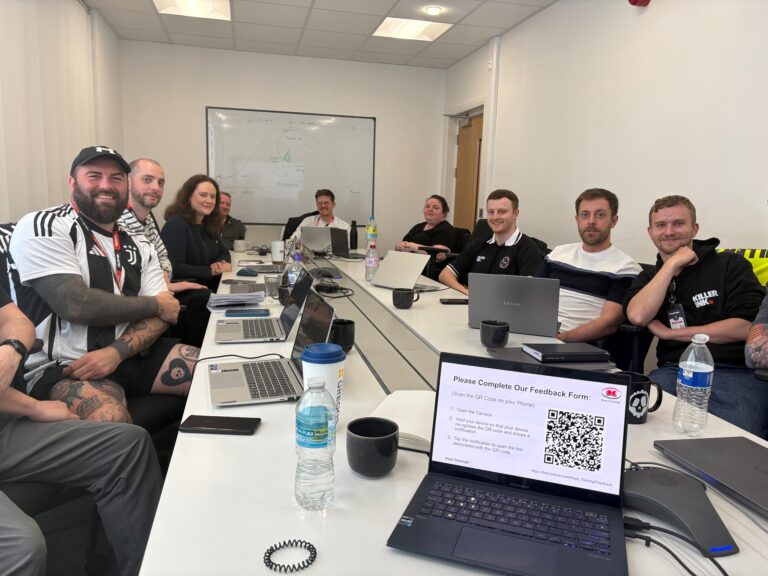
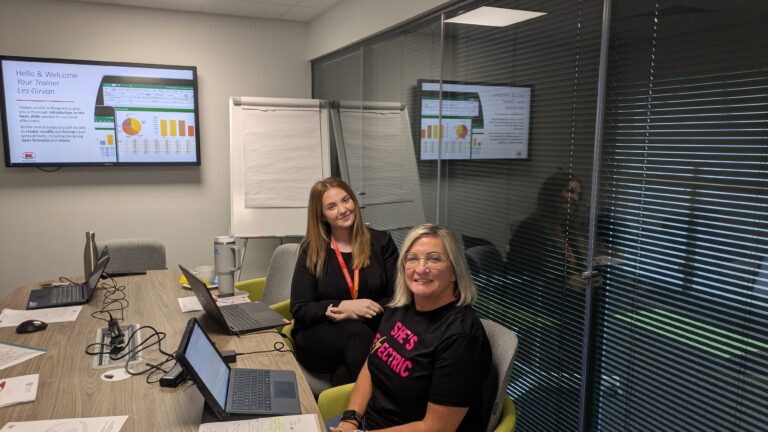
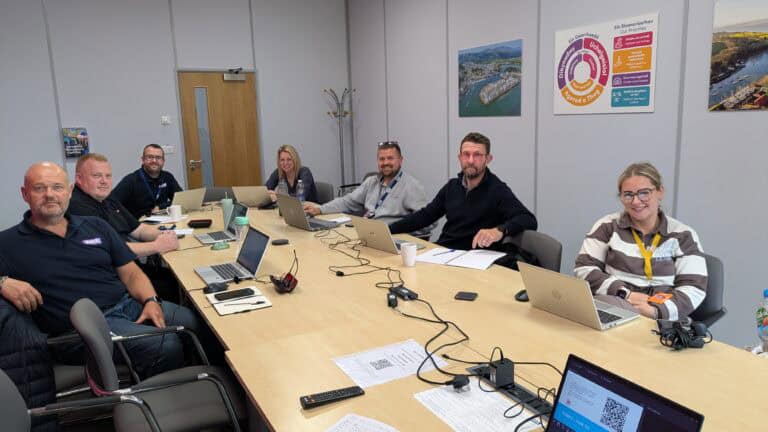
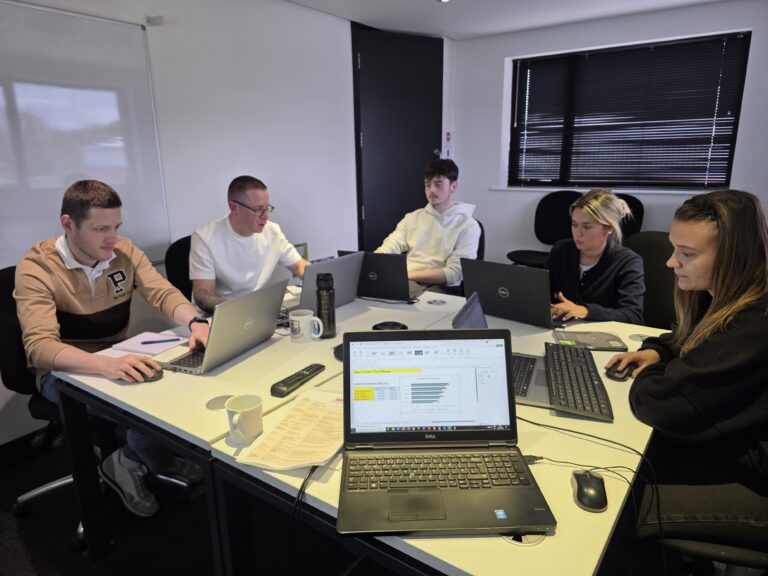
Recent Microsoft courses
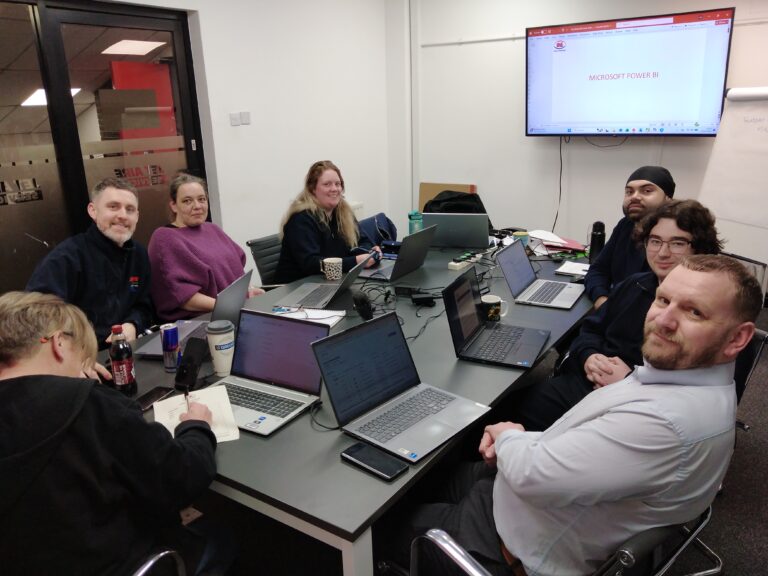

Inclusive by design
Training created for every kind of brain
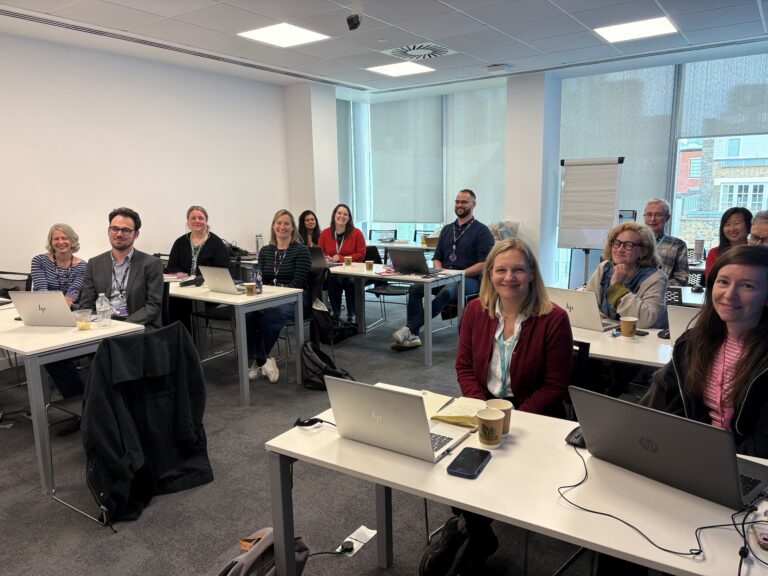
Technical training moves quickly – new ribbons, new features, new ways of working. That is exactly why every Keys Training Microsoft course is built for different types of learners, including neurodivergent attendees and people with disabilities, so nobody is left behind at the keyboard.
Whether someone has dyslexia, ADHD, autism, a hearing or visual impairment, or simply learns best by doing rather than watching, our trainers adapt the pace, the screen and the exercises to the people in the room – on-site or remote.
Every course has been assessed by accessibility experts to make sure it is accessible and beneficial for all.
01
Hands-on, not lecture
Everyone works on their own machine, step by step. Skills are built by doing Word tasks, not by trying to remember a demo.
02
Screen-friendly delivery
Zoomed-in demonstrations, high-contrast views and live captions on remote sessions, so every click is easy to follow.
03
Paced to the room
Small groups with regular catch-up points – the trainer does not move on until every screen matches theirs.
04
Guides that work afterwards
Plain-language step guides and practice files, available in alternative formats on request, so people can revisit at their own speed.
Good to know
Frequently asked questions
Which Microsoft Word course is right for me?
Word Introduction is for beginners and covers creating, navigating and formatting documents. Word Intermediate covers tables, styles, sections, headers, footers and templates. Word Advanced covers large documents, forms, mail merge and macros. Reports & Long Documents is for anyone producing lengthy reports, covering outlines, cross-references, indexes, tables of contents and master documents.
Can a Word course be customised for our team?
Yes. We are happy to customise any company Microsoft Word course to include the topics that best meet your needs. Onsite courses are for up to 8 attendees and can be held at your premises or at one of our venues.
Where are Microsoft Word courses held?
Public courses run at our venues in Preston, Manchester, Liverpool, Leeds and London. Company courses can be delivered at your premises anywhere in the UK. View scheduled course dates.
Ready to get your team working smarter with Word?
View upcoming scheduled dates, or speak with a training advisor to arrange a Word course for your team.
Or call us on 0345 450 0051 to speak with one of the team today.