SharePoint Training Course – Introduction
 Instructor-Led SharePoint Training
Microsoft SharePoint
Training with an expert
Training with an expert
A hands-on, one-day instructor-led SharePoint course: delivered at your premises or at our UK classrooms, tailored to how your team stores, shares and works on documents.
20+ yearsTraining experience
1 dayBeginner-friendly course
UK-wideOn-site or classroom
Some of our clients













Organise files, build team sites and share with confidence
This practical one-day instructor-led course introduces your team to Microsoft SharePoint and how it powers collaborative working. Taught on SharePoint Online – the version included with Microsoft 365 – so everything applies directly to the SharePoint your team uses alongside Teams, OneDrive and Office. It also pairs well with our Microsoft Copilot training.
Prefer not to travel? We also run this course as a live remote class via Microsoft Teams, taught by the same instructors.
- Free training needs analysis before your course
- Tailored with your real workplace scenarios
- Free post-course telephone & email support
Sites & Navigation
Understand team vs communication sites, create a new team site and find your way around.
Files & Libraries
Upload, co-author and manage documents with version history and check in / check out.
Views & Search
Sort, filter and build custom views, then find anything fast with SharePoint search.
Sharing & Permissions
Owner, member and visitor roles – share documents securely with the right people.
Courses & Fees
Three ways to book your course
Have a trainer visit your premises, book individual places on a public course at one of our classrooms, or choose a live online half-day via Microsoft Teams.
Most Popular
In-House
At Your Premises
£675 + VAT
One-day onsite · up to 6 people
- Tailored to how your team uses SharePoint
- Our trainers visit you, UK-wide
- Reference materials & certificates
Public Course
Classroom Place
£245 + VAT
One-day classroom · per person
- Preston, Manchester, Liverpool, Leeds, Birmingham & London
- Small groups with 1-to-1 support
- Materials, certificate & refreshments
Virtual Course
Live Online (Half-Day)
£395 + VAT
Half-day via Microsoft Teams · up to 6 people
- Live instructor-led on Microsoft Teams
- Tailored to how your team uses SharePoint
- £35 + VAT per additional attendee
Before you attend
Delegates should have a basic knowledge of Windows, web browsers and Microsoft Word, Excel and Outlook, and be confident using a mouse and keyboard. No SharePoint admin rights are needed – just a working SharePoint login.
*Classroom prices are per delegate. In-house and virtual courses: additional attendees are £35 + VAT per person.
What’s covered
A practical day, step by step
By the end of the day your team will understand SharePoint’s core features, manage documents and libraries with confidence, and share work securely.
1. Understanding SharePoint
- What is SharePoint & how it fits into Microsoft 365
- Team sites vs communication sites
- Creating & navigating a team site
2. Managing Files & Documents
- Creating, uploading & editing files
- Co-authoring & version history
- Checking out / checking in files
- Moving & copying files to and from OneDrive
3. Libraries, Views & Search
- Sorting & filtering documents
- Creating & modifying views
- Adding columns & editing in grid view
- Finding content with SharePoint search
4. Sharing & Permissions
- Owner, member & visitor permissions
- Sharing documents & copy link
- Checking access on files with manage access
5. Site Pages
- Working with news pages
- Adding & formatting text and images
- Adding common web parts
Every course includes
More than just a training day
Tailored Content
Built around your team’s real workplace scenarios
Expert Trainers
Instructor-led, at the pace of your attendees
Reference Materials
Handouts and supporting materials for every attendee
Certificates
Course completion certificate for each attendee
Free Aftercare
Post-course telephone & email support
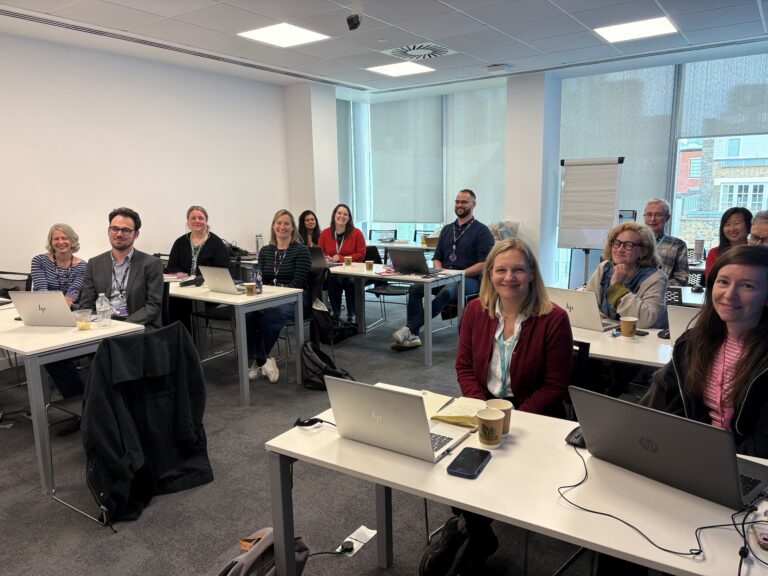
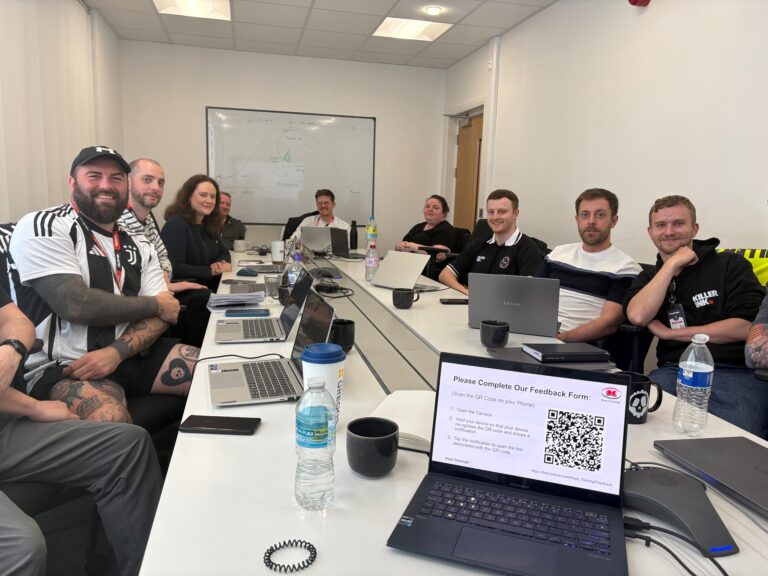
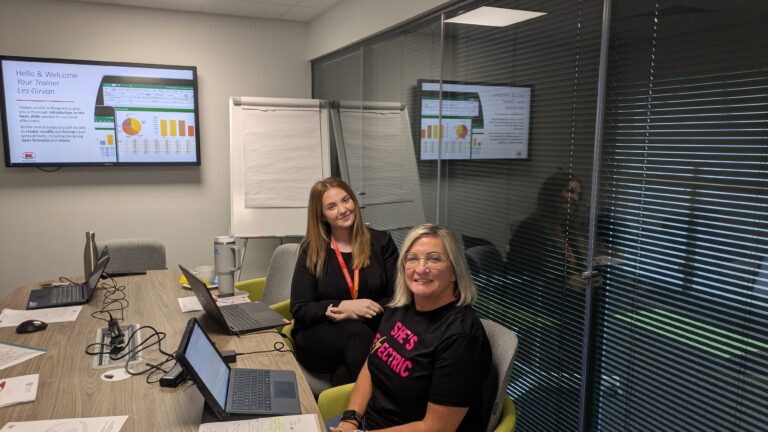
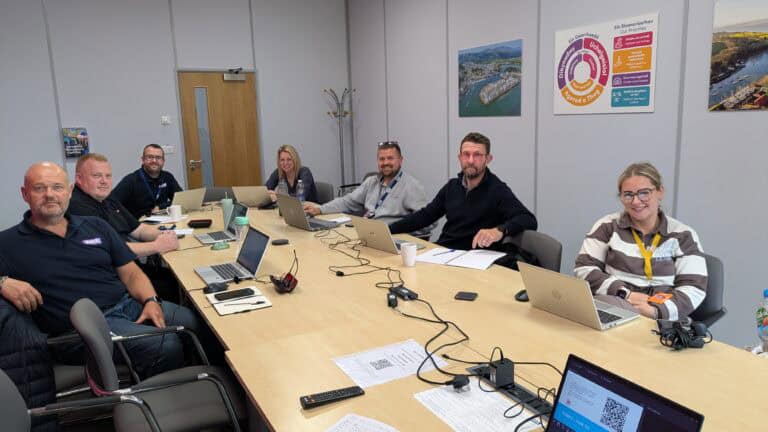
Recent Microsoft courses


Good to know
Frequently asked questions
Is this course based on SharePoint Online or on-premises SharePoint?
The course is taught on SharePoint Online, the version that comes with Microsoft 365. The core skills – sites, libraries, views, sharing and permissions – also apply to recent on-premises versions.
Do attendees need SharePoint admin rights?
No. The course covers using and managing team sites as a site owner or member, not server administration. Attendees just need a working SharePoint login.
Can the course be delivered remotely?
Yes. We run the same instructor-led course as a virtual classroom over Microsoft Teams, as well as on-site at your offices and at our public venues.
Can the course topics be customised to our needs?
Yes – in-house courses are tailored to your organisation: your trainer builds the day around how your team actually uses SharePoint, with real workplace scenarios and practical exercises.
Is there an advanced SharePoint course?
Yes – our Microsoft SharePoint Intermediate course covers the next level, and you can browse all our SharePoint training courses. Advanced tools can also be taught as customised on-site days.
What will I be able to do after the course?
- Create and organise SharePoint team sites
- Upload, co-author and manage documents with version history
- Build custom views to organise libraries
- Share files securely with the right permissions
- Edit site pages and post news
Ready to get your team working together?
View upcoming scheduled dates, or speak with a training advisor to arrange a tailored SharePoint course for your team.
Or call us on 0345 450 0051 to speak with a training advisor today.