
Microsoft OneNote Training
 Instructor-Led Microsoft 365 Training
Microsoft OneNote
Training with an expert
Hands-on, instructor-led OneNote courses: delivered at your premises or at our training venues, tailored to the way your team captures, organises and shares information.
19+ yearsTraining experience
1-day coursePublic or onsite
UK-wideYour premises or our venues
Some of our clients


















Bring all your notes, ideas and information into one place
Microsoft OneNote is the digital notebook built into Microsoft 365. Used well, it keeps meeting notes, to-do lists, research and files together in one searchable notebook the whole team can share, but most people only use a fraction of what it can do.
Our trainers deliver a practical, instructor-led OneNote course that builds the skills needed to use it effectively, and every course can be customised to focus on the way your team works.
- Free training needs analysis before your course
- Tailored with your real workplace scenarios
- Free post-course telephone & email support
Notebooks
Create notebooks, sections and pages, and use templates to keep everything organised.
.svg/250px-Microsoft_Outlook_Icon_(2025%E2%80%93present).svg.png)
Outlook
Send emails and meeting details to OneNote and keep actions in one place.
.svg/250px-Microsoft_Office_Teams_(2025%E2%80%93present).svg.png)
Sharing
Share notebooks with colleagues and work on the same notes together.
.svg/120px-Microsoft_Office_Word_(2025%E2%80%93present).svg.png)
Office apps
Embed files, insert Office content and publish notes pages to other apps.
Courses & Fees
One-day Microsoft OneNote course
Join a public course at one of our venues in Preston, Liverpool, Manchester, Leeds or London (subject to demand), or book a tailored course delivered at your premises.
Public course
OneNote Essentials
£195 + VAT
1 day · per delegate
- Explore the interface & create notebooks
- Create, format & organise notes
- Integrate & share with other apps
At your premises
Tailored Onsite
£645 + VAT
1 day onsite · up to 8 attendees
- Built around your team’s real scenarios
- Delivered UK-wide at your workplace
- Reference materials for every attendee
*Prices are per delegate for public courses and per course for onsite training. Book 2 or more places on the same public course and receive significant discounts.
More than just a training day
Tailored Content
Built around your team’s real workplace scenarios
Expert Trainers
Instructor-led, at the pace of your attendees
Reference Materials
Handouts and supporting materials for every attendee
Certificates
Course completion certificate for each attendee
Free Aftercare
Post-course telephone & email support
Course outline
What the course covers
Designed for anyone who wants to learn the essentials of OneNote and organise a notebook containing links to other files, reminders, lists and information, all stored in the same place.
Module 1
Getting Started with OneNote
- Explore the OneNote interface
- Create a notebook
- Customise the OneNote interface
Module 2
Creating Notes
- Enter and format notes
- Create template-based notes
- Draw shapes
- Embed content
Module 3
Organising and Working with OneNote
- Organise notes
- Add tags
- Search for information
Module 4
Integrating OneNote with Other Applications
- Customise the OneNote view
- Use Outlook with OneNote
- Use OneNote with other Office applications
- Publish notes pages
Module 5
Collaborating and Working with Notes
- Share notebooks on a network location
- Work with shared notebooks
Before you start
Pre-requisites
Delegates should be comfortable using Windows: launching and closing programs, finding information stored on the computer, and managing files and folders.
Recent Microsoft courses

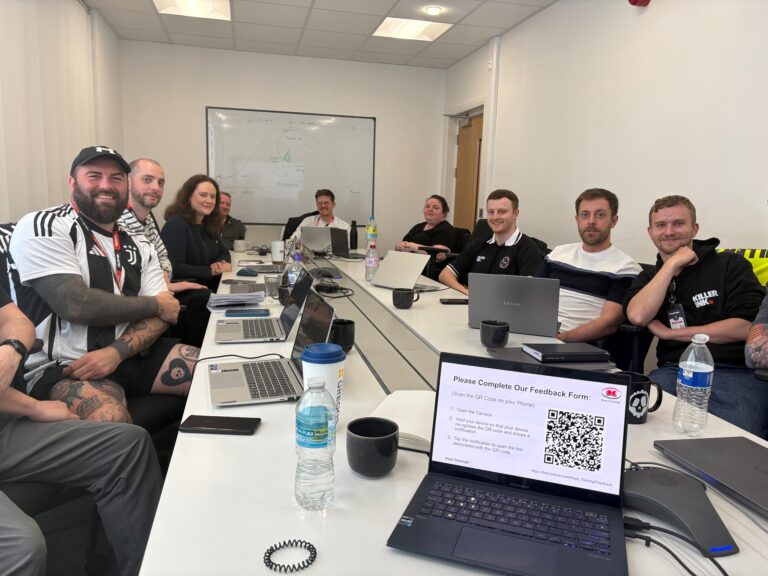
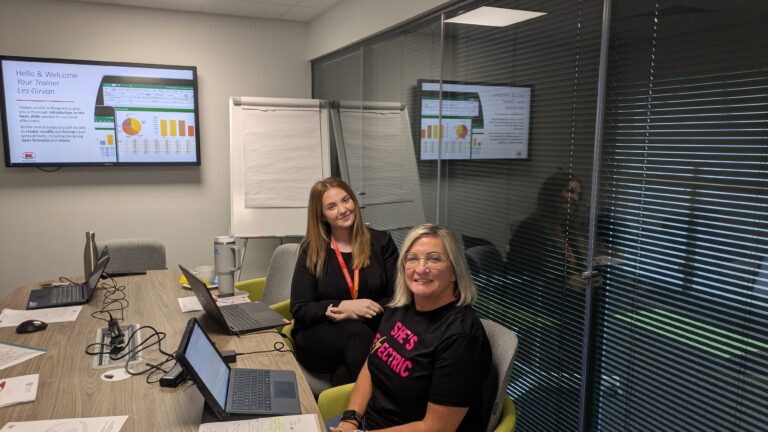
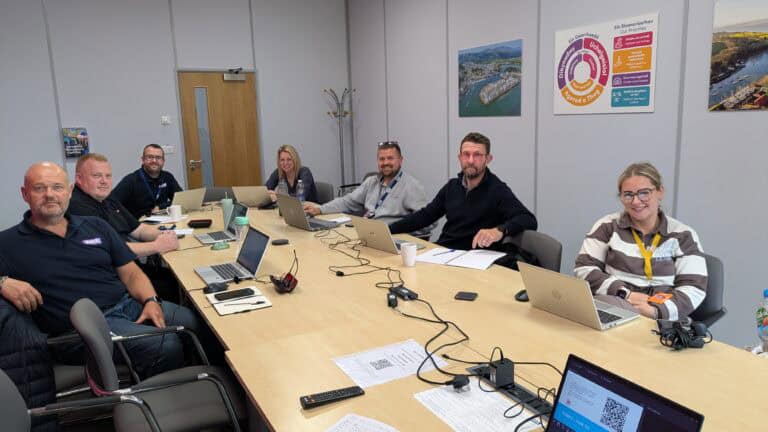

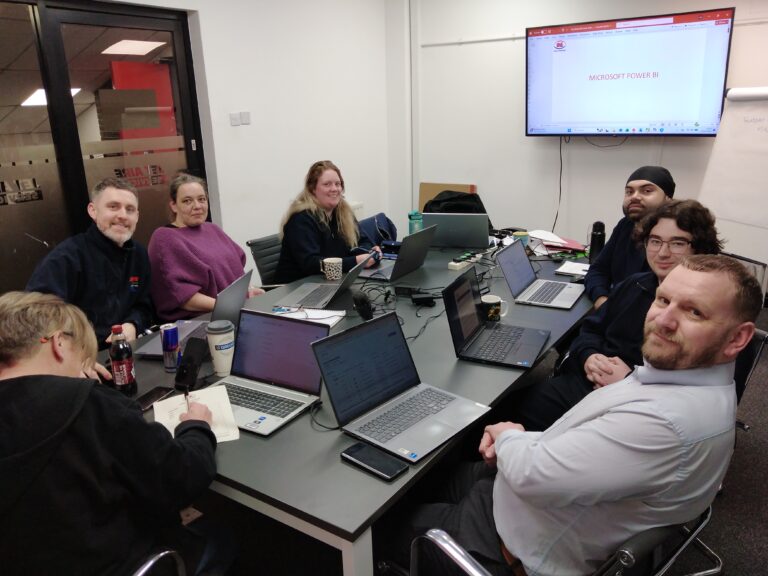

Inclusive by design
Training created for every kind of brain
Technical training moves quickly – new ribbons, new features, new ways of working. That is exactly why every Keys Training Microsoft course is built for different types of learners, including neurodivergent attendees and people with disabilities, so nobody is left behind at the keyboard.
Whether someone has dyslexia, ADHD, autism, a hearing or visual impairment, or simply learns best by doing rather than watching, our trainers adapt the pace, the screen and the exercises to the people in the room – on-site or remote.

Every course has been assessed by accessibility experts to make sure it is accessible and beneficial for all.
01
Hands-on, not lecture
Everyone works on their own machine, step by step. Skills are built by doing OneNote tasks, not by trying to remember a demo.
02
Screen-friendly delivery
Zoomed-in demonstrations, high-contrast views and live captions on remote sessions, so every click is easy to follow.
03
Paced to the room
Small groups with regular catch-up points – the trainer does not move on until every screen matches theirs.
04
Guides that work afterwards
Plain-language step guides and practice files, available in alternative formats on request, so people can revisit at their own speed.
Good to know
Frequently asked questions
What will my team learn in a Microsoft OneNote training course?
Your team will learn to create and organise notebooks, sections and pages, take and format notes, use tags and search to find information quickly, and embed content from other files. The course also covers using OneNote alongside Outlook and other Office applications, and sharing notebooks so colleagues can work on the same notes together.
Who is the OneNote course suitable for?
The course is designed for anyone new to OneNote, or who uses it only for basic notes and wants to get more from it. Delegates should be comfortable using Windows: launching programs, finding files and managing folders. No previous OneNote experience is needed.
Can the course be tailored to how our team uses OneNote?
Yes. Onsite courses start with a free training needs analysis so our trainer can build the day around your team’s real workplace scenarios, such as meeting notes, project notebooks, shared procedures or team knowledge bases, and the version of OneNote your team uses.
Ready to get your team organised with OneNote?
View upcoming scheduled dates, or speak with a training advisor to arrange a tailored OneNote course for your team.
Or call us on 0845 402 2781 to speak with one of the team today.