Crystal Reports
Instructor-Led Software Training
Crystal Reports Training
A practical one-day course that gives you the skills to use Crystal Reports effectively – building, grouping and formatting reports, using formulas and parameters, and distributing data – delivered at your premises or at our venues.
20+ yearsTraining experience
1 dayAnyone who builds reports
UK-wideAt your premises or our venues
Some of our clients













Turn your data into engaging, dynamic reports
This one-day course provides you with the concepts and skills to use Crystal Reports effectively. It covers using formulas, building and grouping reports, and distributing data. By the end of the training you will be more confident creating engaging and dynamic business reports using graphs, charts and drill-down features.
It pairs well with our Microsoft Excel, Microsoft Access and Microsoft Power BI courses.
- Free training needs analysis before your course
- Tailored with your real workplace scenarios
- Free post-course telephone & email support
Build Reports
Create, modify and customise reports and their sections.
Formulas & Parameters
Filter data, handle null values and add prompts and range parameters.
Group & Enhance
Group data, build Top N reports and format with templates and objects.
Excel & Distribution
Report on Excel data, export results and create mailing labels.
Two ways to book your course
Book a tailored course for your team at your premises, or join a public course at one of our venues.
Option 1
In-House at Your Premises
Tailored Group Course
£795 + VAT
Total group price
One day · up to 8 people
- Our trainer prepares, visits and teaches at your premises
- Tailored to your own reports and data
- Reference materials & certificates
Option 2
Public Scheduled Course
1-Day Public Course
£295 + VAT
Per delegate
One day · per delegate · run on demand
Discounts when you book 2 or more delegates
Discounts when you book 2 or more delegates
- Run subject to adequate demand
- Learn alongside delegates from other organisations
- Reference materials & certificates
Training a larger group?
Our in-house price covers groups of up to 8 people. If you have a larger team, or several teams to train, please speak with one of our team to discuss this further. We will help you work out the best way to run it and put together a tailored quote.
Speak to our team
or call 0345 450 0051
Who should attend
Any professional who wants a better knowledge of Crystal Reports so they can create engaging and dynamic reports – from new users to those who want to get more from formulas, parameters and grouping.
*The in-house price is per day for up to 8 attendees. Public courses are run subject to adequate demand; the public price is per delegate – book 2 or more delegates and receive significant volume discounts.
Course Outline
A practical one-day course covering eight modules, step by step – from the basics of reports and databases, through formulas, parameters and grouping, to enhancing reports, working with Excel data and distributing your results.
1. Overview
- Explore Crystal Reports
- Reports and databases
- Use Crystal Reports Help
- Customise the report settings
2. Working with Reports
- Create a report
- Modify a report
- Display specific report data
- Work with report sections
3. Using Formulas in Reports
- Create a formula
- Edit a formula
- Filter data using a formula
- Work with advanced formulas and functions
- Handle null values
4. Building Parameterised Reports
- Create a parameter field
- Use a range parameter in a report
- Create a prompt
5. Grouping Report Data
- Group report data
- Modify a group report
- Group using parameters
- Create a parameterised Top N report
6. Enhancing a Report
- Format a report
- Insert objects in a report
- Suppress report sections
- Use report templates
7. Creating a Report from Excel Data
- Create a report based on Excel data
- Modify a report generated from Excel data
- Update data in a report based on Excel data
8. Distributing Data
- Export data
- Create mailing labels
By the end of the course, delegates will:
- Be familiar with using Crystal Reports.
- Know how to use formulas.
- Be able to build and group engaging, dynamic reports.
- Feel confident distributing data.
More than just a training day
Tailored Content
Built around your team’s real workplace scenarios
Expert Trainers
Instructor-led, at the pace of your attendees
Reference Materials
Handouts and supporting materials for every attendee
Certificates
Course completion certificate for each attendee
Free Aftercare
Post-course telephone & email support
From the training room
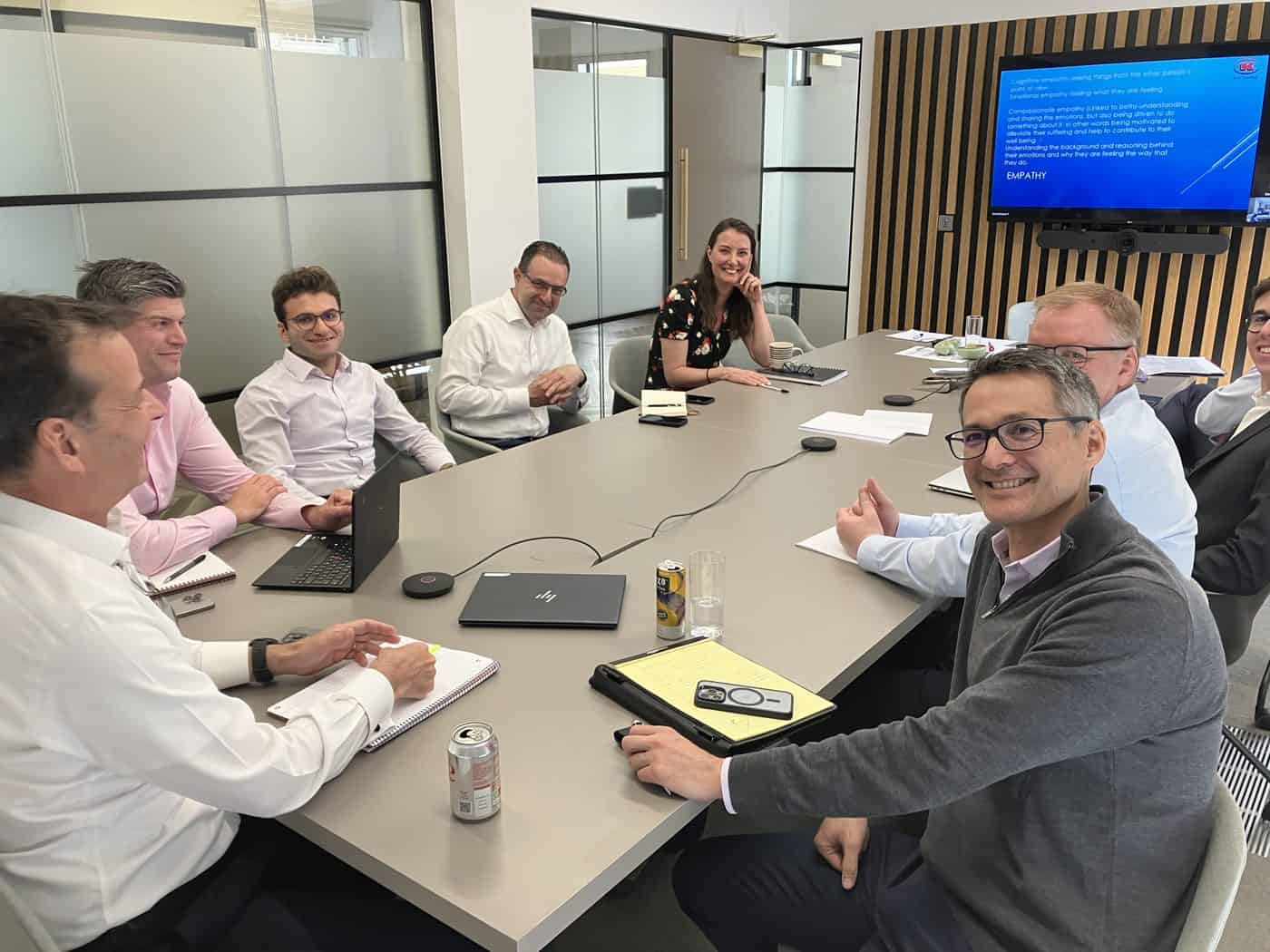
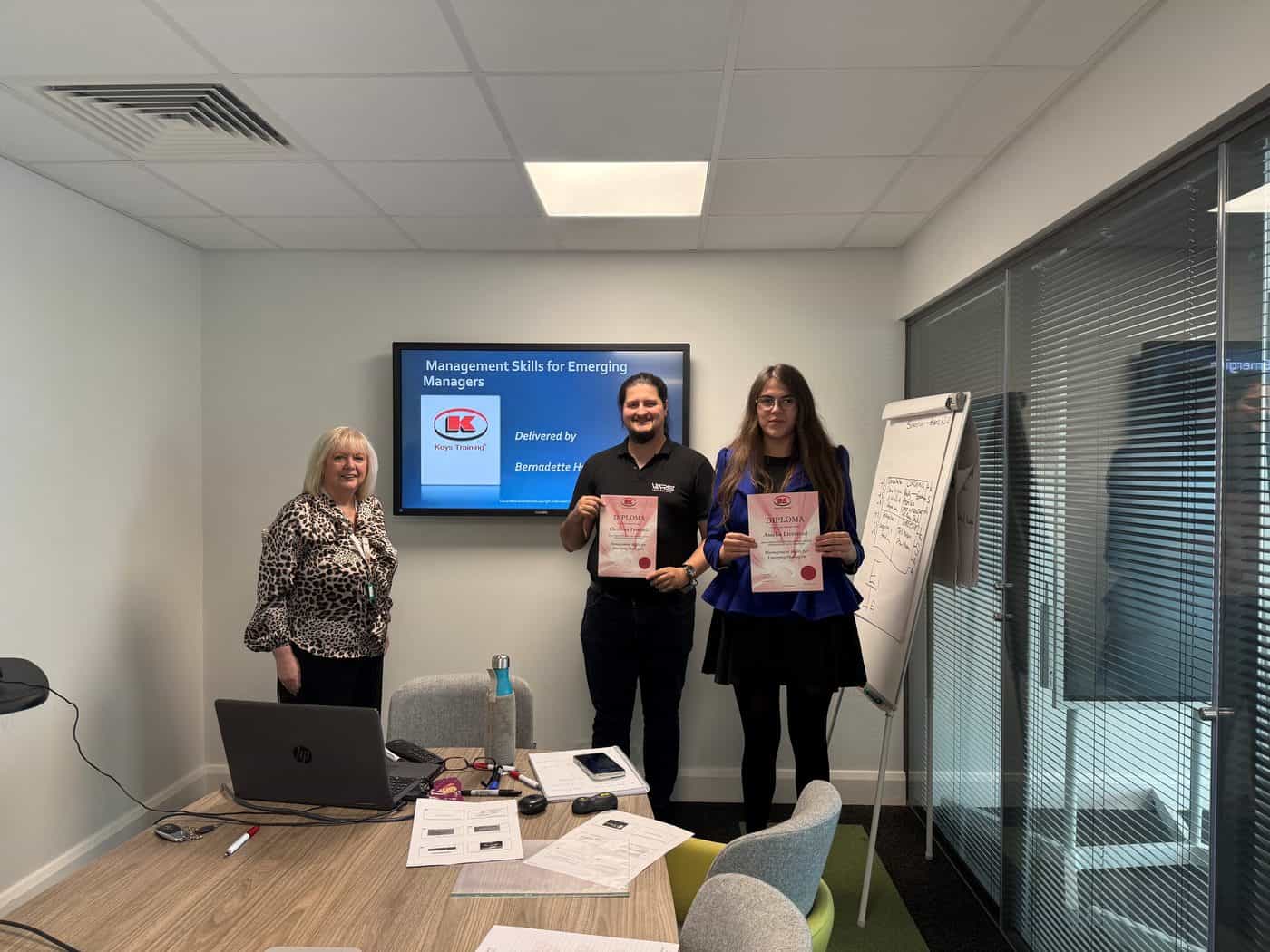
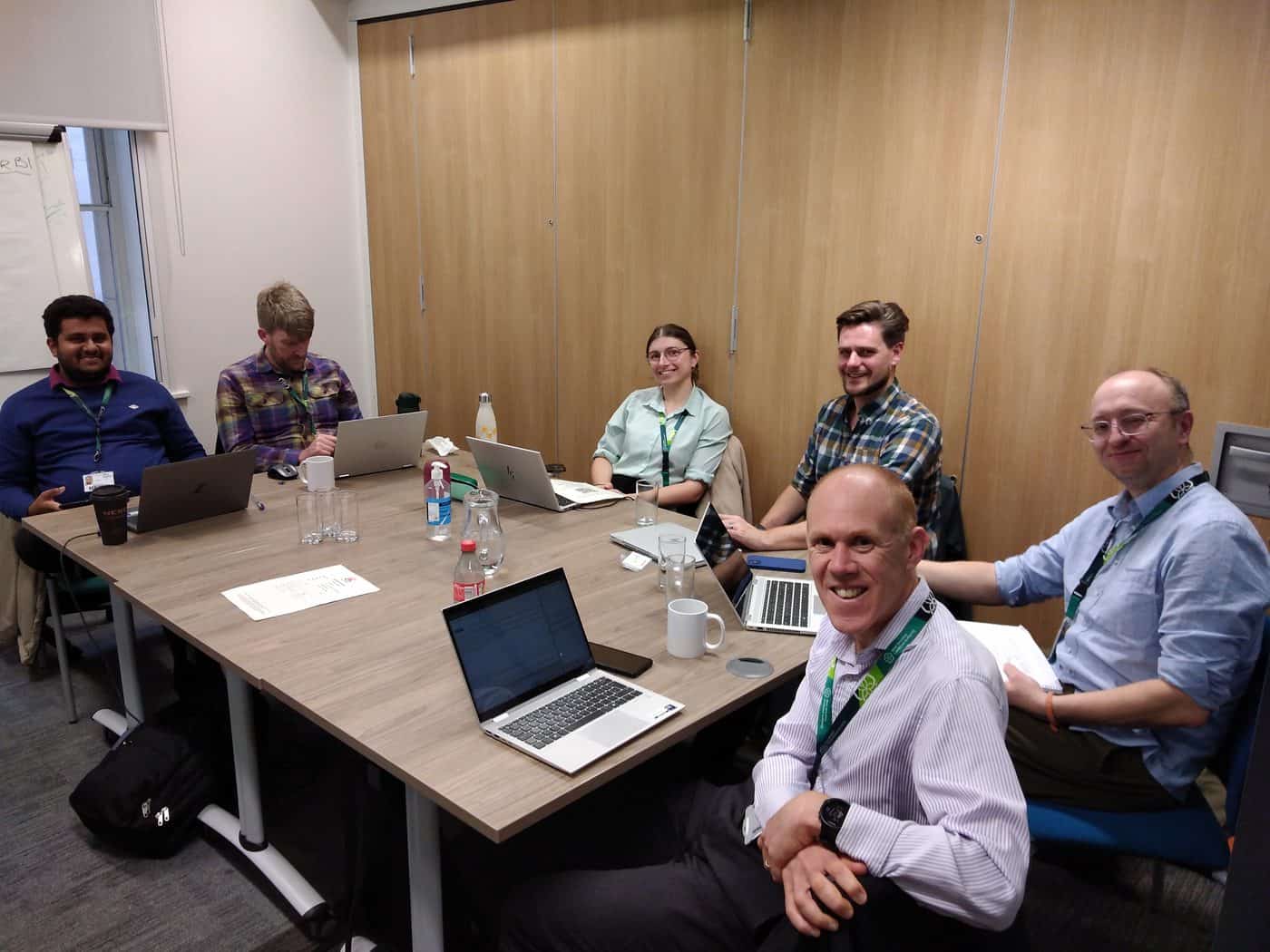
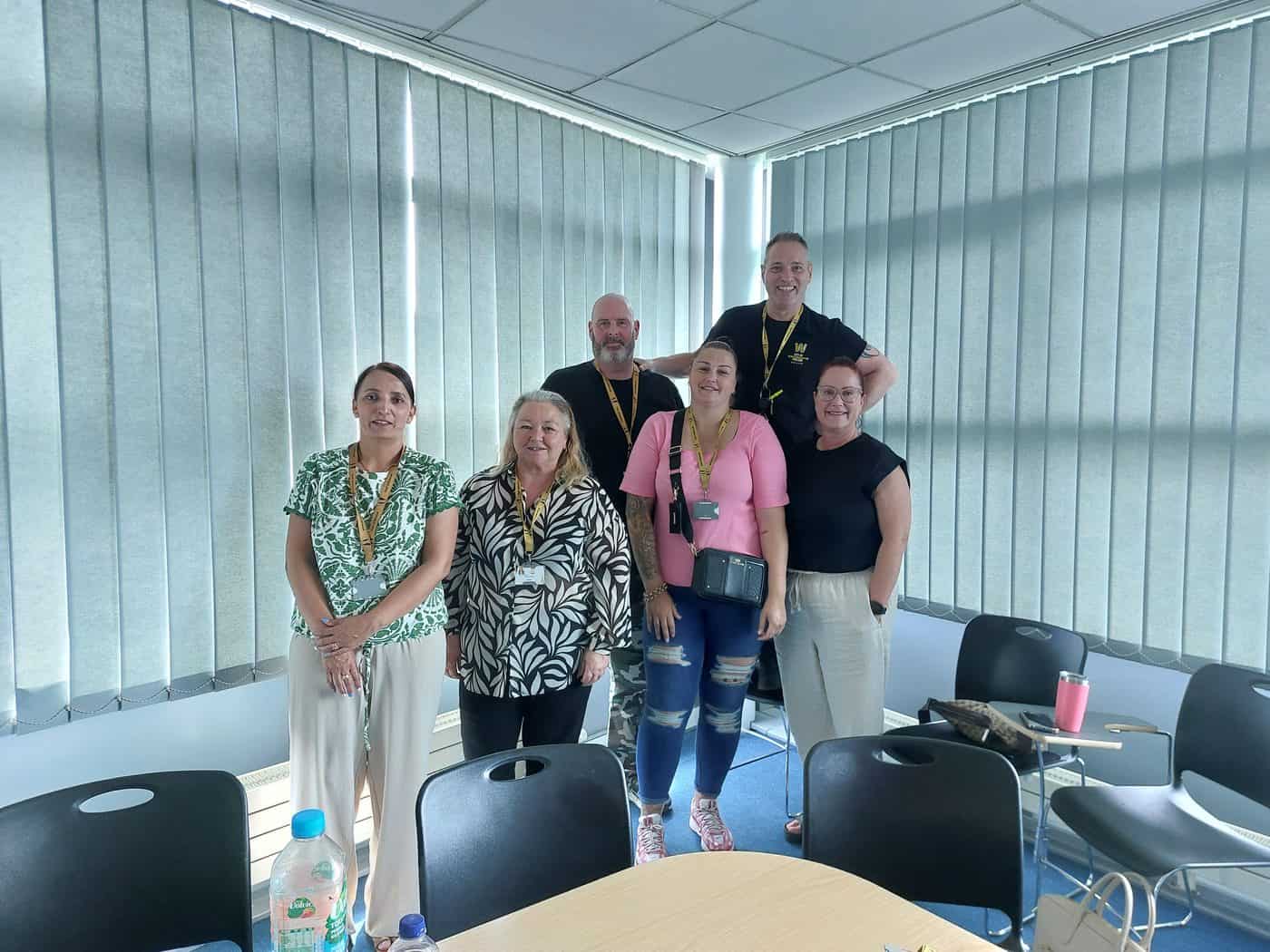
A few of the teams we’ve worked with recently – in-house at their premises, at our venues and on public courses.

Training created for every kind of brain
People don’t all learn the same way – and a great course shouldn’t assume they do. Every Keys Training course has been adapted for different types of learners, including neurodivergent attendees and people with disabilities, so everyone in the room gets the same value from the day.
Whether someone has dyslexia, ADHD, autism, a hearing or visual impairment, or simply prefers to learn by doing rather than listening, our trainers adjust the pace, materials and activities to suit the people in front of them.

Every course has been assessed by accessibility experts to make sure it’s accessible and beneficial for all.
Neurodiversity-aware
Clear structure, plain language and varied activities that work for dyslexic, ADHD and autistic learners.
Accessible materials
Handouts and slides designed for readability, with formats adapted on request for individual needs.
Adjusted to the room
Small groups mean the trainer can flex pace, breaks and delivery style around each attendee.
Expert-reviewed
Every course has been assessed by specialists to make sure it’s accessible and valuable for everyone.
Frequently asked questions
Who is this course for?
Any professional who wants a better knowledge of Crystal Reports so they can create engaging and dynamic reports.
Do I need any previous experience?
The course starts with an overview of Crystal Reports, reports and databases, so it suits new users as well as people who want to build on what they already know. We are happy to check that the content is right for you before you book.
Is there practical work?
Yes. You build, modify, group and format reports throughout the day, working with formulas, parameters and Excel data.
Can the course be tailored to our organisation?
Yes. Our trainer can prepare, visit and teach a course at your premises, and every in-house course starts with a free training needs analysis so it reflects your own reports and data.
When do public courses run?
Public courses are run subject to adequate demand. Call 0345 450 0051 or contact us for availability.
What do attendees receive?
Every attendee receives reference materials and a course completion certificate, and we provide free post-course telephone and email support.
Ready to build better reports?
Speak with a training advisor to arrange a tailored Crystal Reports course at your premises or to check availability for a public course.
Or call us on 0345 450 0051 to speak with a training advisor today.