Microsoft Power BI
 Instructor-Led Power BI Training
Microsoft Power BI
Training with an expert
A hands-on, one-day instructor-led Power BI course: delivered live online, at your premises or at our UK classrooms, tailored to the data your team actually reports on.
20+ yearsTraining experience
1 dayBeginner-friendly course
UK-wideOnline, on-site or classroom

Meet Aedan from our marketing team
Some of our clients


















Build reports that turn data into decisions
This practical one-day instructor-led course introduces your team to Microsoft Power BI and how it can help in building and designing reports. You will discover what Power BI is, how to access it, and how to use it to extract and clean Excel data, build reports and charts, and publish and share your work.
Courses can be delivered live online, at your premises or at one of our classrooms in Preston, Manchester, Liverpool, Leeds and Birmingham, and every course can be tailored to your team’s own data.
- Free training needs analysis before your course
- Tailored with your real workplace data
- Free post-course telephone & email support
📥
Datasets & Power Query
Load data from Excel, then clean and transform it in Power Query.
📊
Reports & Visuals
Build interactive reports with charts, matrix visuals and slicers.
🗺️
Maps, KPIs & Charts
From pie charts and maps to KPIs, gauges and decomposition trees.
🚀
Publish & Share
Publish to the Power BI service and view reports on mobile apps.
Courses & Fees
One day, three ways to book
Book individual places on a public course at one of our classrooms, join a tailored course live online, or have one of our trainers visit your premises.
Public Course
Classroom Place
£325 + VAT
One-day classroom · per person
- Preston, Manchester, Liverpool, Leeds & Birmingham
- Small groups with 1-to-1 support
- Materials, certificate & refreshments
Virtual Delivery
Live Online
£695 + VAT
One-day live online · up to 6 people
- Delivered via Microsoft Teams or Zoom
- Tailored to your team’s own data
- No travel – join from anywhere
Most Popular
In-House
At Your Premises
£745 + VAT
One-day onsite · up to 8 people
- Tailored with your team’s own data
- Our trainers visit you, UK-wide
- Reference materials & certificates
Before you attend
Delegates should have a basic knowledge of Windows, web browsers and Excel, and be confident using a mouse and keyboard. We recommend having the free Power BI Desktop application installed to get the most out of this highly practical day.
What’s covered
A practical day, step by step
By the end of the day your team will understand Power BI’s core features, create and manage datasets, build reports with a range of visualisations, and publish and share their work.
1. Getting Started with Power BI
- What is Power BI?
- Power BI terminology
- The Power BI Desktop window
2. Working with Datasets
- Creating a dataset
- Getting & loading data from Excel
- Cleaning data in Power Query Editor
- Relationships between data tables
3. Visualising Your Data
- Building a report using visuals
- Matrix visualisation
- Formatting a visual
- Using slicers
4. Types of Visualisations
- Area & combo charts
- Pie charts & doughnuts
- Decomposition tree & maps
- Funnel & gauge charts, KPIs
5. Publishing & Sharing
- The online Power BI service
- Sharing reports & dashboards
- Power BI mobile apps
Every course includes
More than just a training day
Tailored Content
Built around your team’s real workplace scenarios
Expert Trainers
Instructor-led, at the pace of your attendees
Reference Materials
Handouts and supporting materials for every attendee
Certificates
Course completion certificate for each attendee
Free Aftercare
Post-course telephone & email support
Recent Microsoft courses
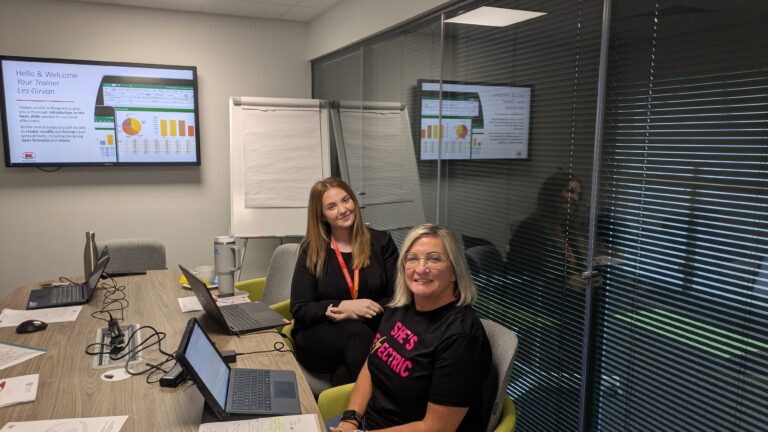
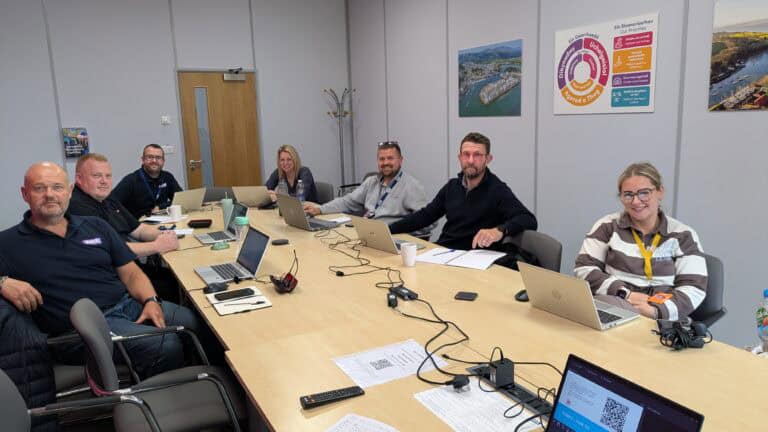

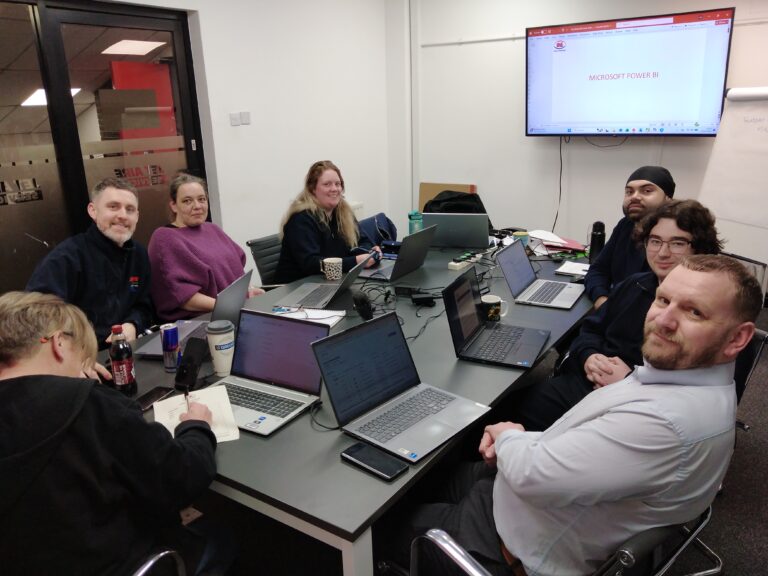

Inclusive by design
Training created for every kind of brain
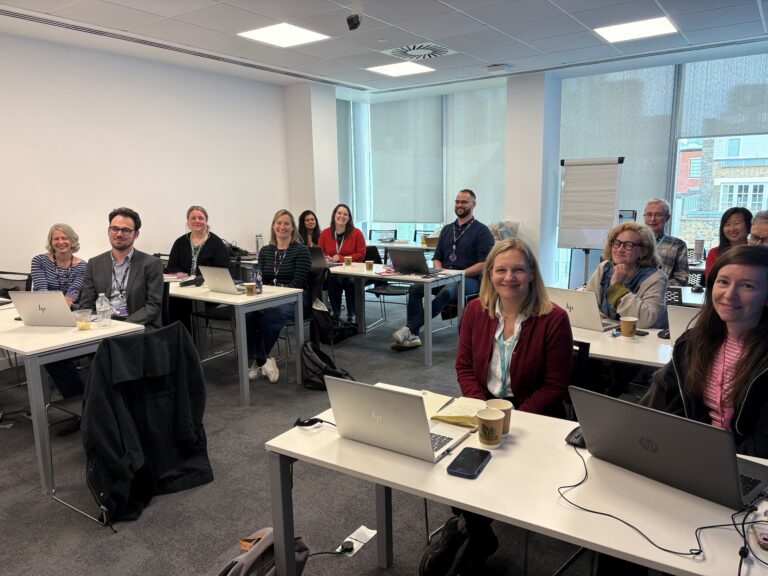
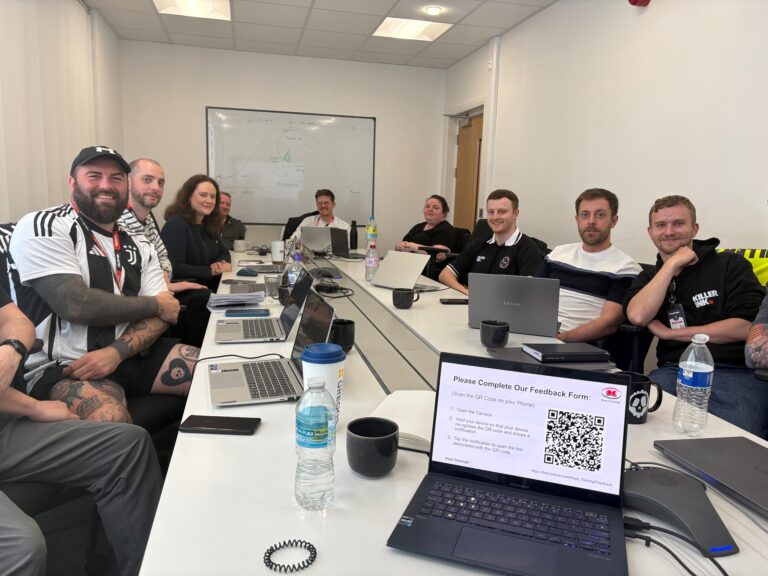
Every Keys Training course is built for different types of learners, including neurodivergent attendees and people with disabilities, so nobody is left behind at the keyboard.
Whether someone has dyslexia, ADHD, autism, a hearing or visual impairment, or simply learns best by doing rather than watching, our trainers adapt the pace, the screen and the exercises to the people in the room – online, on-site or in the classroom.
Every course has been assessed by accessibility experts to make sure it is accessible and beneficial for all.
Good to know
Frequently asked questions
Do I need prior experience of using Power BI?
Our typical one-day introduction course requires no prior knowledge of using Power BI. However, attendees should have basic Windows and Excel skills, and be comfortable using a mouse and keyboard.
Do I need Power BI Desktop installed on my laptop?
Yes. Keys Training recommends having Power BI Desktop installed to get the most from practice tasks and to ensure that the skills have been fully mastered and can be applied confidently in the workplace.
Can the course topics be customised to our needs?
Yes. We are able to make reasonable adjustments and course tailoring to ensure the training meets your needs. We can:
- Focus on the types of reports and dashboards you need
- Emphasise specific data sources you use
- Adjust the pace and content for different skill levels
- Where appropriate, incorporate examples similar to your own data
If you’d like a tailored course, let us know your objectives and current challenges when you enquire.
What will I be able to do after the course?
By the end of the course, you will be able to:
- Connect to data sources such as Excel files, CSVs and other common sources
- Clean and transform data using Power Query
- Create relationships between tables and build a simple data model
- Design interactive reports and dashboards with a range of visuals
- Use slicers and filters to make reports dynamic
- Publish and share your reports with others in your organisation
Ready to put your data to work?
View upcoming scheduled dates, or speak with a training advisor to arrange a tailored Power BI course for your team.
Or call us on 0345 450 0051 to speak with a training advisor today.